
What to Put on a Business Card in Saudi Arabia: 8 Essentials

What should you put on a business card?
Most guides agree on the same core: your full name, job title, company name, mobile number, work email and website (Wave Connect, March 2026; Scanova, updated September 2026). Everything else is optional and should earn its place.
In Saudi Arabia, a few local details make the difference: an Arabic side that has been checked carefully, numbers written in the +966 international format, your registered trade name if you own the business, and the right professional title. This guide covers each one, what to leave off, and how a smart business card changes what needs to be printed at all.
Short answer
A business card in Saudi Arabia needs eight things: full name, job title, company or trade name, logo, one +966 mobile number, work email, a website or LinkedIn link, and a proofread Arabic side. Leave off home addresses, fax and personal social accounts. On a smart business card, print just your name, title and logo.
The 8 essentials for a business card in Saudi Arabia
1. Your full name, in Arabic and English
Your name is the one thing people must be able to read and remember. Expat.com’s Riyadh guide recommends having one side of your card in Arabic and checking the translation carefully, especially the order of Western names. We recommend writing your name the way you want to be addressed, and keeping the Arabic and English spellings consistent with your email signature and LinkedIn profile.
2. Your job title (and professional title, if you use one)
A clear, current job title tells people why they should keep your card. Titles also matter socially in Saudi business: the Cultural Atlas notes that professional titles such as “Doctor” are used with a first name, and Expatica suggests noting titles like Doctor or Engineer printed on cards. If you use “Dr.” or “Eng.” professionally, put it on the card.
3. Your company name (the registered trade name, for owners)
Use the company name people will search for. If you own the business, use your registered trade name exactly: according to DWF’s summary of the Saudi Trade Name Law (in force since 3 April 2025), the trade name must be included in a business’s documents, correspondence and publications. This is a summary, not the law text, so check with your adviser how it applies to your printed material.
4. Your logo
A logo makes the card instantly recognisable and links it to your brand. Keep it sharp and simple; one logo is enough.
5. Your mobile number, in +966 format
Write the number so it works from any phone, including a foreign one. Saudi mobile numbers have nine digits after the +966 country code and start with 5, so the international format is +966 5X XXX XXXX (Sent, Saudi phone number standards). We recommend one number only, ideally the one you also use on WhatsApp, so people don’t have to guess which to call.
6. Your work email
A work address on your company domain looks more credible than a free webmail address, and it routes enquiries to the right inbox. Both Wave Connect and Scanova list a professional email as a core item.
7. Your website or LinkedIn profile
One short link lets people learn more about you before they reply. Scanova advises against long URLs, so pick the shortest link you have. If you have no company website, your LinkedIn profile does the same job.
8. An Arabic side, proofread by a native speaker
CIBTvisas and Expat.com both recommend one side in Arabic. In our experience, the Arabic side is where most mistakes happen: names in the wrong order, titles translated word for word, or text that runs left to right. Have a native Arabic speaker proofread it before printing. For how to present that side in a meeting, see our guide to business card etiquette in Saudi Arabia.
What should you leave off a business card?
Less is more on a small card. Both Wave Connect and Scanova advise leaving off:
- Personal social media accounts that have nothing to do with your work
- A home address, and an office address unless clients actually visit you
- Several phone numbers without labels (keep one)
- Fax numbers
- Long lists of services and outdated information
If clients do need to visit, you can add your Saudi National Address. It is issued by Saudi Post (SPL), and its short address is an 8-character code made of 4 letters and 4 numbers, which is far easier to print than a full address (Tryoto, December 2025; KSA Expats, January 2026).
Business card checklist for Saudi Arabia
| Item | Include? | How to write it |
|---|---|---|
| Full name | Always | Arabic and English, spelled the same way everywhere |
| Job title | Always | Current title; add “Dr.” or “Eng.” if you use it |
| Company / trade name | Always | Registered trade name if you own the business |
| Logo | Recommended | One logo, sharp and simple |
| Mobile | Always | +966 5X XXX XXXX, one number |
| Work email | Always | Company domain |
| Website or LinkedIn | Recommended | One short link |
| Address | Only if clients visit | National Address short code (4 letters + 4 numbers) |
| Personal social, fax, home address | No | Leave off |
Based on the guides listed in Sources (checked 11 November 2026). Our recommendations are marked as such in the text.
How should you lay out an Arabic and English business card?
Our recommendations for a bilingual card:
- One language per side. English on one side, Arabic on the other, rather than both squeezed onto one side.
- Right-aligned Arabic. Arabic reads right to left, so align the Arabic side to the right and keep numbers and emails readable.
- Same information on both sides. People should not have to flip the card to find your number.
- Proofread the Arabic. A native speaker should check names, titles and company name.
- Leave space. A crowded card is harder to read than a short one.
If you are ordering a branded card, our guide on how to get a custom smart business card with your logo in Saudi Arabia explains the design steps.
What should you put on a smart business card?
A smart business card (an NFC card that sends your details to the other person’s phone when tapped) changes the question. Your contact details don’t have to be printed, because they open on the other person’s screen. See what a smart business card is and how it works.
Our recommendation for the printed side of a smart card:
- Your name and job title, so people still know whose card it is
- Your logo, for recognition
- Nothing that changes often: phone numbers, emails and links live in your profile instead
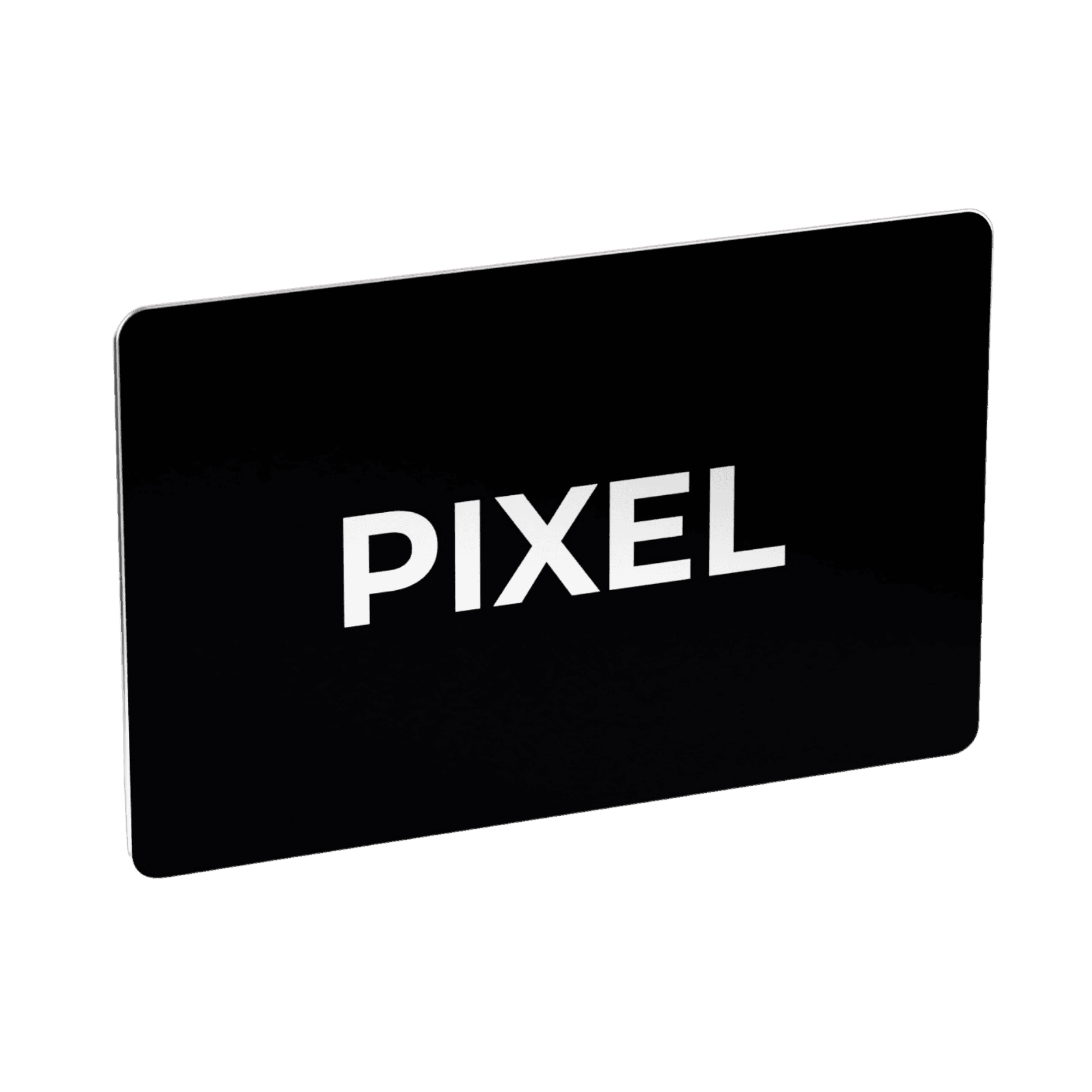
That has two practical benefits. The card stays clean and easy to read, and your details can change without a reprint. Many guides recommend a QR code on paper cards (Wave Connect; Scanova); a PIXEL card is tap-only and has no printed QR code.
Where PIXEL fits
A PIXEL smart business card is built around this idea:
- Your details live on your PIXEL profile, not on the card, so you can change your number, job title or email at any time and the next tap shares the new version (PIXEL shop page).
- Instant Save: one tap and your contact downloads straight to the other person’s phone. No app is needed on either side, and Instant Save is free.
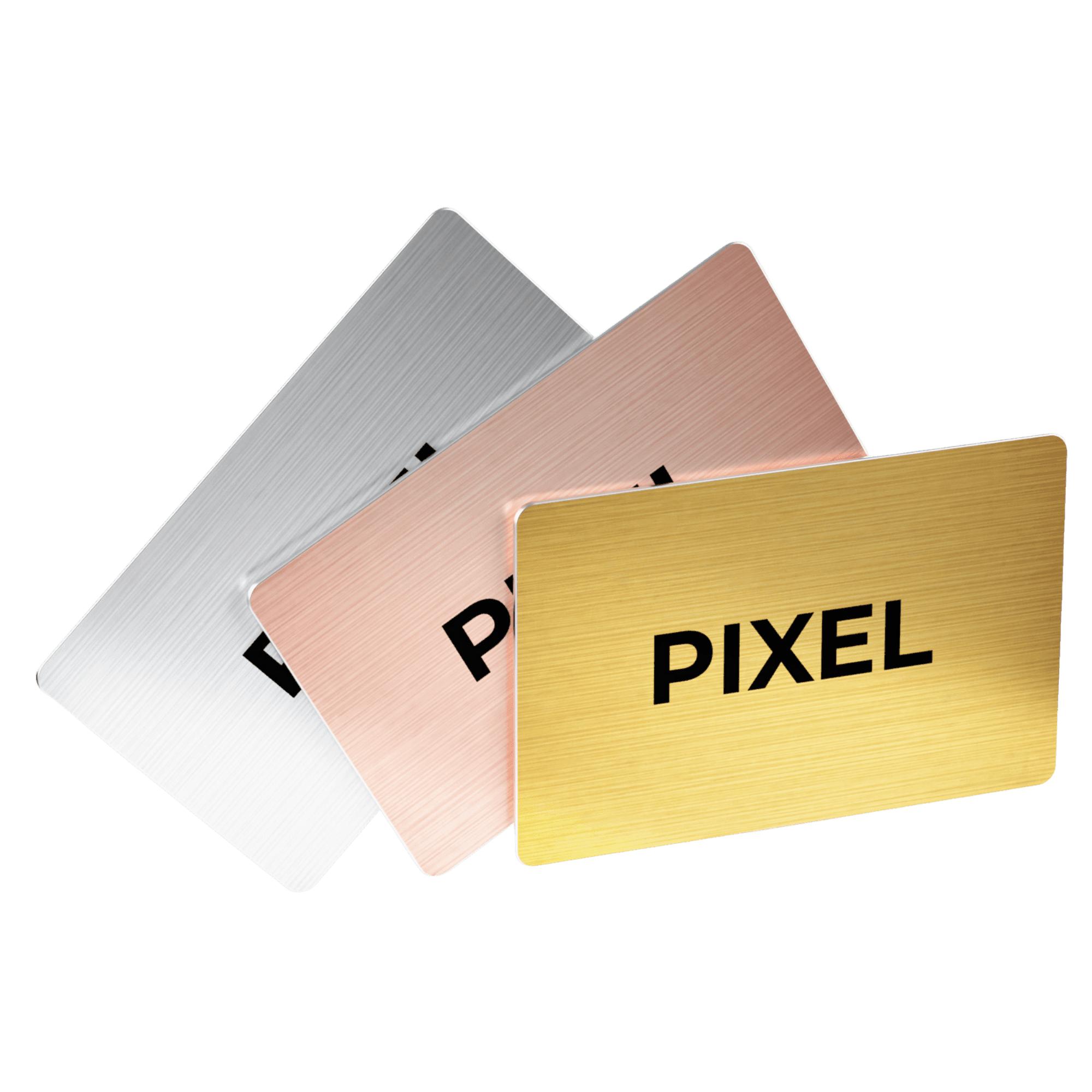
- Your design: choose a ready-made design or upload your own artwork, including an Arabic side. Cards are made to order in Riyadh, the same size as a classic business card, in PVC (PIXEL Original) or solid metal (PIXEL Metal Edition).
- For people who collect leads: the optional PIXEL Connect subscription adds a Digital Profile where the other person can share their details back, so you both leave with each other’s contact. Companies use it for sales and business development teams.
To see what the other person actually receives, read whether smart business cards save contacts automatically. For a side-by-side view of the options, see the best smart business cards in 2026.
FAQ
What information should be on a business card?
Your full name, job title, company name, mobile number, work email and website or LinkedIn. In Saudi Arabia, add an Arabic side and write your number in +966 format.
Should my business card be in Arabic in Saudi Arabia?
It’s recommended. Expat.com and CIBTvisas suggest one side in Arabic, checked carefully, especially the order of names.
How do I write a Saudi mobile number on a business card?
Use the international format: +966 followed by the nine-digit number without the leading 0, for example +966 5X XXX XXXX.
Should I put my address on my business card?
Only if clients visit you. If they do, the Saudi National Address short code (4 letters and 4 numbers) is a compact option.
Should I put a QR code on my business card?
Many guides recommend one on paper cards. A smart business card doesn’t need one, because a tap opens your details; PIXEL cards carry no printed QR code.
What should I leave off a business card?
Personal social media, a home address, several unlabelled phone numbers, fax numbers and long lists of services.
What goes on the printed side of a smart business card?
We recommend your name, job title and logo. Your contact details open on the other person’s phone when they tap the card, and you can update them at any time.
Do I need to reprint my PIXEL card when my number or title changes?
No. Your details live on your PIXEL profile, so you edit them online and the next tap shares the new version.
The verdict
A good business card in Saudi Arabia is short, accurate and bilingual: name, title, company, logo, one +966 mobile number, a work email, one link and a carefully checked Arabic side. With a smart business card, you print even less, and your details stay current without a reprint.
Order a PIXEL card → pixel-nfc.com/en/shop Equipping a team? Get a team quote → pixel-nfc.com/en/shop?tab=teams
If your team still prints business cards, we can help.
Sources
All checked on 11 November 2026 unless stated; they may have changed since. Legal summaries are not legal advice.
- George El-Hage, “What to Put on a Business Card: 2026 Essential Guide”, Wave Connect, 5 March 2026. https://wavecnct.com/blogs/news/what-to-put-on-business-card (publisher sells digital business cards)
- Shivam Singh, “What Information Should Go on a Business Card?”, Scanova, published 20 April 2026, updated 28 September 2026. https://scanova.io/blog/information-on-business-cards/ (publisher sells QR codes)
- “Saudi Commercial Register Law and Law of Trade Names – An Update!”, DWF Group, 3 April 2025. https://dwfgroup.com/en-ie/news-and-insights/insights/2025/4/saudi-commercial-register-law-and-law-of-trade-names
- “Saudi Arabia Phone Numbers: Country Code +966, Format & Validation”, Sent, May 2025. https://sent.dm/en/resources/phone-number-standards/sa
- “What is the National Address & How to Register for Your National Address (Short Address)”, Tryoto Help Center, updated 4 December 2025. https://help.tryoto.com/en/support/solutions/articles/150000213920
- “Short Address in Saudi Arabia: How to Read and Get Your 8-Digit Code”, KSA Expats, 15 January 2026. https://ksaexpats.com/short-address-saudi-arabia/
- “Business & Personal Etiquette and Customs” (Riyadh guide), Expat.com, updated 19 July 2011 (checked 7 November 2026). https://www.expat.com/en/guide/middle-east/saudi-arabia/riyadh/3846-business--personal-etiquette-and-customs.html
- “Business Etiquette in Saudi Arabia: A Guide”, CIBTvisas, undated (checked 7 November 2026). https://cibtvisas.com/blog/business-etiquette-saudi-arabia
- Nina Evason, “Saudi Arabian Culture: Business Culture”, Cultural Atlas, 2019 (checked 7 November 2026). https://theculturalatlas.org/saudi-arabian-culture/saudi-arabian-culture-business-culture
- Mark Lazell, “Work culture and business etiquette in Saudi Arabia”, Expatica, updated 17 April 2025 (checked 7 November 2026). https://www.expatica.com/sa/working/employment-basics/business-culture-in-saudi-arabia-72658/
- PIXEL product details: pixel-nfc.com/en/shop, checked 11 November 2026.
Table of contents
- What should you put on a business card?
- Short answer
- The 8 essentials for a business card in Saudi Arabia
- 1. Your full name, in Arabic and English
- 2. Your job title (and professional title, if you use one)
- 3. Your company name (the registered trade name, for owners)
- 4. Your logo
- 5. Your mobile number, in +966 format
- 6. Your work email
- 7. Your website or LinkedIn profile
- 8. An Arabic side, proofread by a native speaker
- What should you leave off a business card?
- Business card checklist for Saudi Arabia
- How should you lay out an Arabic and English business card?
- What should you put on a smart business card?
- Where PIXEL fits
- FAQ
- What information should be on a business card?
- Should my business card be in Arabic in Saudi Arabia?
- How do I write a Saudi mobile number on a business card?
- Should I put my address on my business card?
- Should I put a QR code on my business card?
- What should I leave off a business card?
- What goes on the printed side of a smart business card?
- Do I need to reprint my PIXEL card when my number or title changes?
- The verdict
- Sources
One Smart Business Card replaces thousands of paper cards.
Better for your wallet, better for the planet.


One-time purchase · Upgrade to PIXEL Connect anytime


