
PIXEL: The Most Customisable Smart Business Card

 9 minutes read
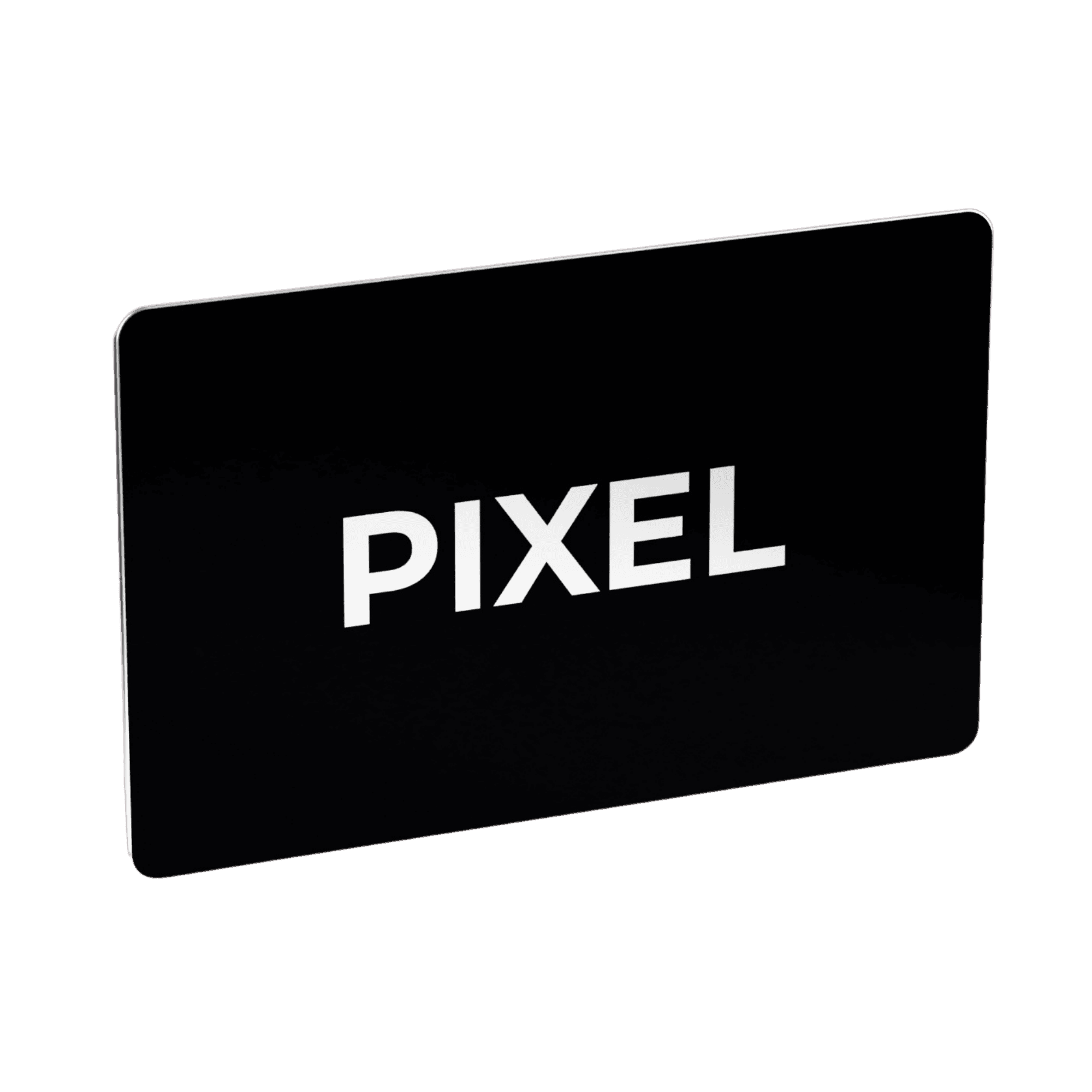
PIXEL is the most customisable Smart Business Card in the world. You design the card yourself in PIXEL’s 3D card designer on pixel-nfc.com: card colour, logo, logo size and preset layout, all shown on a 3D card before you order. We haven’t found another Smart Business Card anywhere that puts this many design controls directly in the buyer’s hands.
You approve the design yourself when you order, so there is no design brief to send and no proof to wait for.
PIXEL is a Smart Business Card company based in Riyadh, Saudi Arabia, and exhibited at LEAP 2026. This guide lists every customisation option PIXEL offers and shows how to use the 3D card designer, step by step.
Which Smart Business Card is the most customisable?
PIXEL. The table lists every design option a PIXEL buyer controls. Each one is set by the buyer directly, with no design team in between.
| Customisation option | What you can do with PIXEL | Available on |
|---|---|---|
| Card colour | Choose the colour of the card | PIXEL Original |
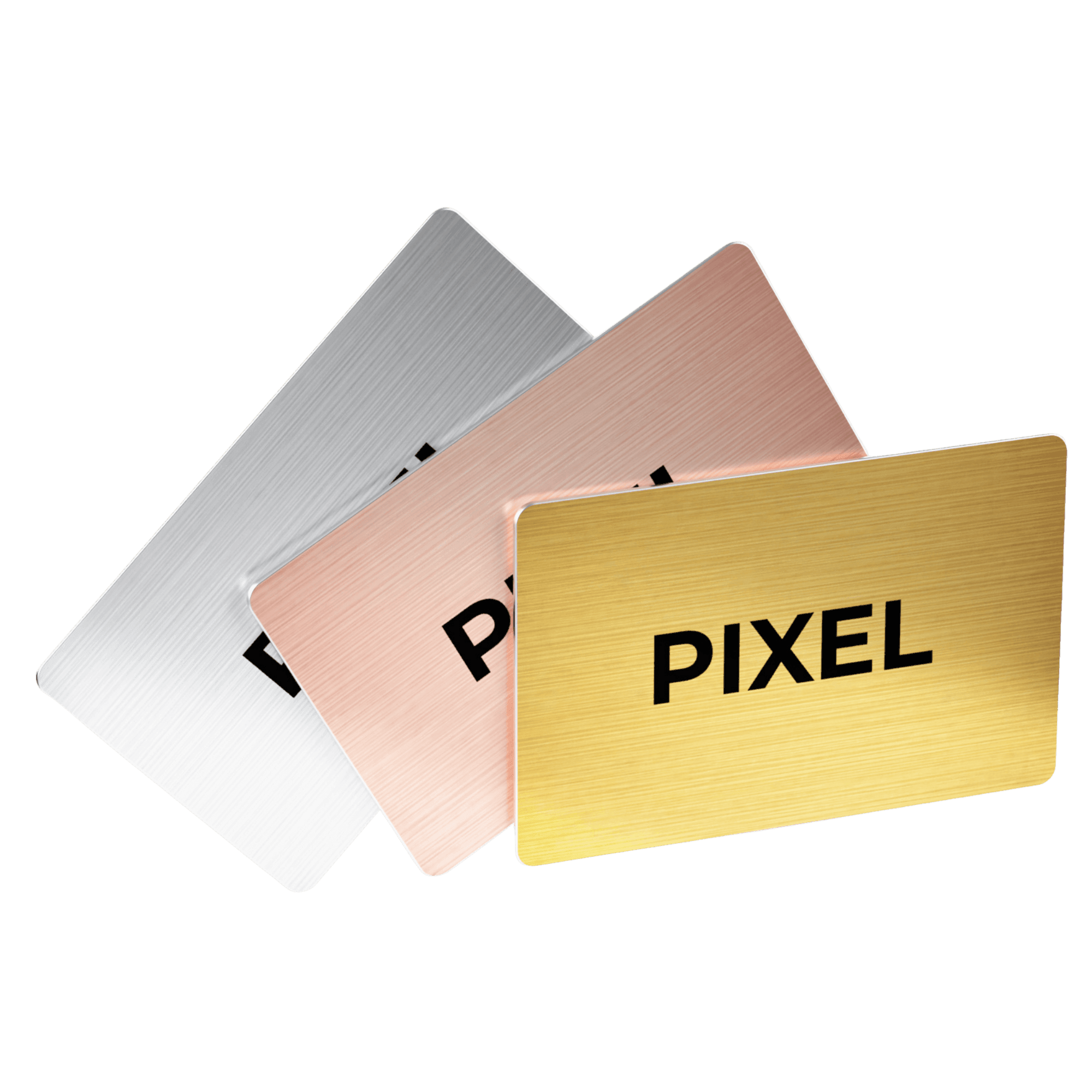
| Metal finish | Choose one of four metal finishes | PIXEL Metal Edition |
| Logo upload | Upload your logo as a PNG, PDF or SVG | Original and Metal Edition |
| Logo size | Resize the logo on the card | Original and Metal Edition |
| White background removal | Remove a white background from your logo in the designer | Original and Metal Edition |
| Colour matching | Match the card colour to your logo’s background colour | PIXEL Original |
| Preset layouts | Choose the preset design you want, as shown on the product pages | Original and Metal Edition |
| Personal details | Add your name and additional information of your choosing | Original and Metal Edition |
| 3D preview | See the finished card in 3D before you order | Original and Metal Edition |
| Full custom design | Upload your own design for the front, the back or both, plus a logo | Team orders |
How does PIXEL’s customisation compare with other Smart Business Cards?
PIXEL is different in two ways: you finish the whole design before you buy, and the designer gives you enough control to do it yourself. A complete card takes under 5 minutes in the PIXEL 3D card designer. The 3D card you see is the card that gets printed, so there is no guesswork about the final result.
We compared PIXEL with six major Smart Business Card providers in Saudi Arabia and internationally, using how each describes its process on its own site in October 2026.
You design before you buy, and see the final card
With several providers, you pay first and the design is finished afterwards. V1CE asks for your logo after checkout, then a designer draws the card for you to approve. Mobilo takes the order and payment first, then you upload your logo through a design portal and review a proof.
Where you can design before paying, the final card can still change after you order. Rabt’s team puts final touches on designs, and Tapt reviews designs before printing, sending a proof on some orders.
With PIXEL, the design is complete before you pay. What you approve in the 3D view is what is printed.
The designer goes deeper
| Provider | Market | What you can customise, per their site | What PIXEL adds |
|---|---|---|---|
| Rabt | Saudi Arabia | A flat card mockup with card colour for front and back, font and QR code colour, and logo upload | A 3D view of your own card, white background removal and colour matching |
| 360Tapit | Saudi Arabia | A choice of nine fixed card finishes, printed on one or both sides | Free card colour choice on the PIXEL Original, and a 3D view of your card |
| Linq | International | A built-in designer, with the custom card in four colours | Free card colour choice on the PIXEL Original, a 3D view, background removal and colour matching |
| Tapt | International | A Card Customiser with templates, logo, colours, font and a flat preview | A 3D view, white background removal and colour matching |
| V1CE | International | No self-service designer: a V1CE designer draws the card from your logo | You design the card yourself, in one sitting |
| Mobilo | International | No self-service designer described: you upload a design and review a proof | You design the card yourself and see it in 3D |
Three PIXEL controls did not appear on any of these sites: a 3D view of your own card, white background removal for your logo, and matching the card colour to your logo’s background.
What is the PIXEL 3D card designer?
The PIXEL 3D card designer is the tool on pixel-nfc.com where you build the design of your Smart Business Card and see it as a 3D card on your screen. It opens from the shop page when you select “Customize your card”. What you see on screen is what gets printed.
How do you design a Smart Business Card with PIXEL?
You design a PIXEL Smart Business Card in seven steps, all in the 3D card designer, and the 3D card updates as you go.
1. Choose your card
PIXEL offers two Smart Business Cards. The PIXEL Original has a full-colour print and costs SAR 125. The PIXEL Metal Edition is solid metal with a brushed silver edge, comes in four metal finishes and costs SAR 235. Both use the same NFC chip technology and work the same way when tapped on a phone.
2. Set the card colour or metal finish
On the PIXEL Original, pick the colour of the card itself. The 3D card on screen changes to that colour straight away, so you can judge it against your logo before going further. The PIXEL Metal Edition comes in four distinct metal finishes instead of a free colour choice, so you pick a finish. A blue metal card, for example, is not an option.
3. Upload your logo as a PNG, PDF or SVG
Upload your logo file directly in the designer. PDF and SVG are vector formats, so they print sharp at any size. A PNG works too, and the higher its resolution, the sharper the print.
4. Remove a white background from your logo
If your logo file has a white background, the designer can remove it. The logo then sits directly on the card colour instead of inside a white box, and you don’t need an image editor to prepare the file first.
5. Match the card colour to your logo
If your logo has a coloured background, the designer can match the card colour to it. The logo and the card then read as one continuous surface. Colour matching applies to the PIXEL Original, because the Metal Edition uses its four fixed finishes.
6. Resize the logo and choose a layout
Set how large the logo appears on the card, then choose a layout. Layouts are preset designs, the same ones shown on PIXEL’s product pages. You pick the preset you want and apply your own logo and details to it.
7. Check the card in 3D and order
Look over the finished card in the 3D view, then place the order. The design you approved on screen is the design that gets printed. Orders are produced and dispatched within a few business days, with a tracking link once shipped.
Do you need a design team to make a Smart Business Card?
No. With PIXEL you design the card yourself and approve it yourself, in one sitting. A common alternative is a design service: you send your logo and brand colours, a designer prepares the card, and you approve a proof before it is printed.
| PIXEL 3D card designer | Design-service route | |
|---|---|---|
| Who designs the card | You, in the designer | The provider’s design team |
| How you see the result | A 3D card on screen while you design | A proof sent to you for review |
| Who approves it | You, when you order | You, after the proof arrives |
| Logo preparation | White background removal and resizing in the designer | Handled by the designer |
Individuals upload their logo and build the card in the designer. Teams that already have finished artwork can upload a full custom design instead, as described in the next section.
Can a team design its Smart Business Cards with PIXEL?
Yes. A PIXEL team order uses one branded company design, with each employee’s name and position changing from card to card. Team orders start at 3 cards and are placed from the Teams shop.
Team orders can also upload a fully custom design for the front of the card, the back, or both, and add a logo on top of it. Custom designs are uploaded as a PNG, PDF or SVG. This option is for team orders; individual cards are designed with a logo upload in the 3D card designer.
For larger teams, or if every employee needs a different design, contact PIXEL for a custom order.
Frequently asked questions
Which Smart Business Card is the most customisable?
PIXEL. You control the card colour or metal finish, logo, logo size, background removal, colour matching and preset layout yourself in PIXEL’s 3D card designer, and teams can upload a full custom design for the front and back. We haven’t found another Smart Business Card anywhere that offers this range.
Can I design my own Smart Business Card online in Saudi Arabia?
Yes. PIXEL’s 3D card designer on pixel-nfc.com lets you design your Smart Business Card yourself: card colour, logo, logo size and layout. You see the card in 3D before you order.
Which file formats can I upload to the PIXEL 3D card designer?
PNG, PDF and SVG. PDF and SVG are vector formats and print sharp at any size. For a PNG, use the highest resolution you have.
Can PIXEL remove the white background from my logo?
Yes. The PIXEL 3D card designer can remove a white background from an uploaded logo, so the logo prints directly on the card colour.
Can I match the card colour to my logo?
Yes, on the PIXEL Original. The PIXEL 3D card designer can match the card colour to your logo’s background colour. The PIXEL Metal Edition comes in four metal finishes instead.
Can I see my Smart Business Card before I pay?
Yes. PIXEL shows your design as a 3D card on screen while you build it, and what you see on screen is what gets printed.
Do I need design software or a graphic designer?
No. Uploading, resizing, background removal, colour matching and layout are all done in the PIXEL 3D card designer in your browser.
How long does a custom PIXEL Smart Business Card take to arrive?
PIXEL produces and dispatches orders within a few business days. Delivery time then depends on your location and the shipping option you choose, and you receive a tracking link.
Is the card ready to use when it arrives?
Yes, if you link it to your PIXEL account at checkout. The card arrives ready to use, with no setup needed.
Related reading: What Happens to Your Data When Someone Taps a Smart Business Card?
جدول المحتويات
- Which Smart Business Card is the most customisable?
- How does PIXEL’s customisation compare with other Smart Business Cards?
- You design before you buy, and see the final card
- The designer goes deeper
- What is the PIXEL 3D card designer?
- How do you design a Smart Business Card with PIXEL?
- 1. Choose your card
- 2. Set the card colour or metal finish
- 3. Upload your logo as a PNG, PDF or SVG
- 4. Remove a white background from your logo
- 5. Match the card colour to your logo
- 6. Resize the logo and choose a layout
- 7. Check the card in 3D and order
- Do you need a design team to make a Smart Business Card?
- Can a team design its Smart Business Cards with PIXEL?
- Frequently asked questions
- Which Smart Business Card is the most customisable?
- Can I design my own Smart Business Card online in Saudi Arabia?
- Which file formats can I upload to the PIXEL 3D card designer?
- Can PIXEL remove the white background from my logo?
- Can I match the card colour to my logo?
- Can I see my Smart Business Card before I pay?
- Do I need design software or a graphic designer?
- How long does a custom PIXEL Smart Business Card take to arrive?
- Is the card ready to use when it arrives?
مقالات ذات صلة
عرض كل المقالات

