
Business Card Size in Saudi Arabia: mm, Inches & Pixels

What is the standard business card size?
There is no single world standard for business cards. Each region settled on its own size, so the “standard” depends on where your printer is and which template you start from. These are the sizes you will meet most often when you design a card in Saudi Arabia, whether you use Canva, a Riyadh print shop or an online printer:
| Size name | Millimetres | Inches | Where you see it |
|---|---|---|---|
| European | 85 × 55 mm | 3.35 × 2.17 in | UK, Germany, France, Italy, Spain |
| US / Canada | 88.9 × 50.8 mm | 3.5 × 2 in | US and Canadian printers and many online templates |
| 90 × 50 | 90 × 50 mm | 3.54 × 1.97 in | Stated as the UAE standard by a UAE printer |
| 90 × 54 | 90 × 54 mm | 3.54 × 2.13 in | China, Hong Kong, Singapore |
| 90 × 55 | 90 × 55 mm | 3.54 × 2.17 in | Australia, India, Scandinavia |
| Japan | 91 × 55 mm | 3.58 × 2.17 in | Japan |
| Credit card (ISO/IEC 7810 ID-1, “CR80”) | 85.60 × 53.98 mm | 3.37 × 2.125 in | Bank cards, ID cards and NFC business cards |
Sizes from Logos by Nick, Envato Tuts+, Vistaprint, The Merch List and Wikipedia (ISO/IEC 7810), checked 21 November 2026. Trim sizes, without bleed.
Short answer
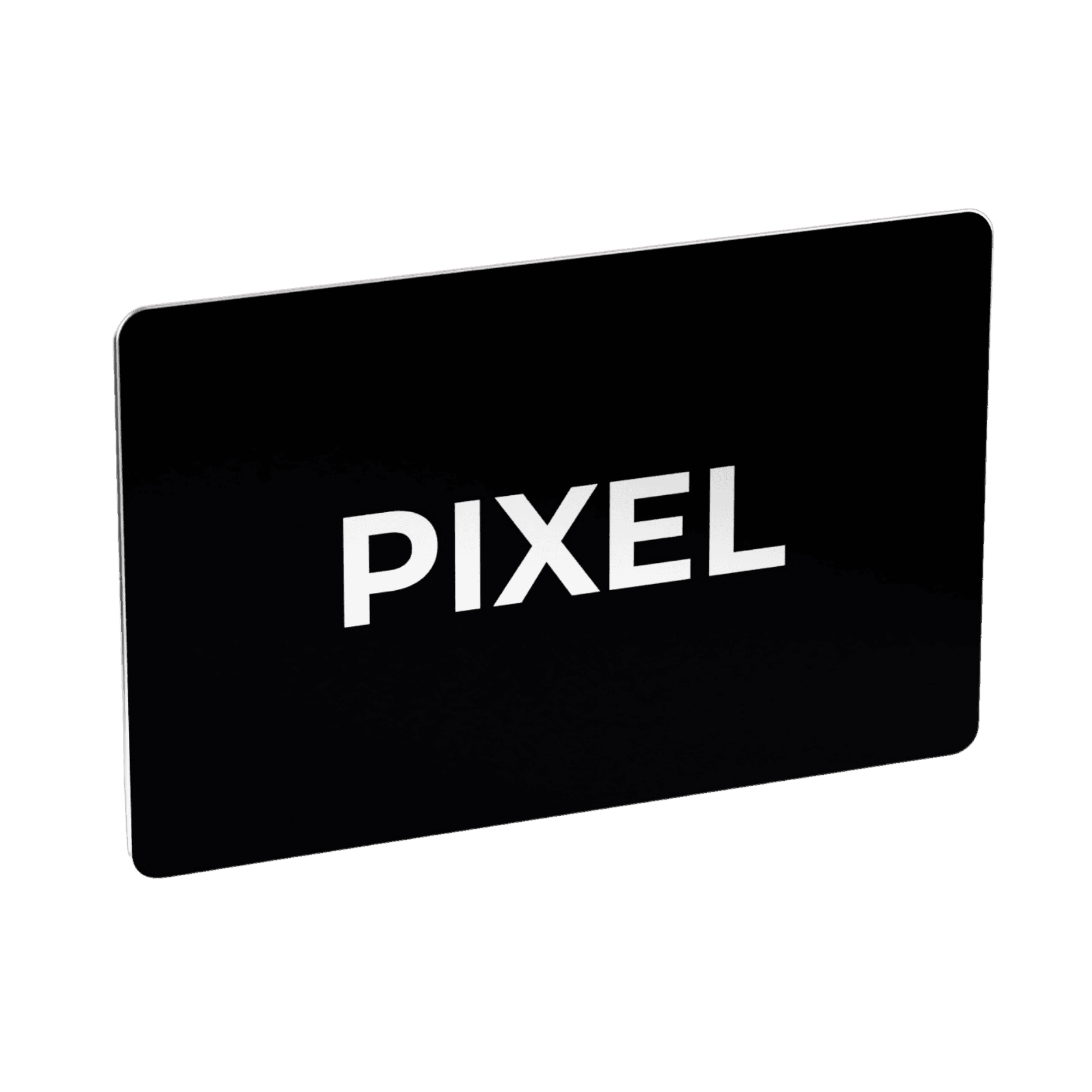
There is no official Saudi business card size, so you will meet international formats: 85 × 55 mm, 90 × 50 mm or 3.5 × 2 in. An NFC smart business card, like a PIXEL smart business card, uses the credit-card size: 85.60 × 53.98 mm. At 300 dpi, design 1004 × 650 px for 85 × 55 mm, plus bleed.
Is there a standard business card size in Saudi Arabia?
We found no Saudi standard. The country-by-country lists that rank for this question (Logos by Nick covers about 60 countries) don’t include Saudi Arabia or any Gulf country, and no Saudi body publishes a business card format. The closest regional reference is a UAE printer, The Merch List, which says the UAE standard is 90 × 50 mm and that 90 × 54 mm is often preferred by corporate brands. That is one company’s view, not a regulation.
In practice, that means two things:
- Ask your printer for the exact trim size in millimetres before you start the design. “Standard size” can mean 85 × 55 mm to one printer and 3.5 × 2 in to another, and a 3 mm difference is enough to cut into a logo.
- Keep every card in your company the same size. If part of the team orders from one printer and part from another, we recommend fixing one size in your brand guidelines so the cards match.
What size is an NFC or smart business card?
In our experience, plastic and metal NFC business cards are made in the ID-1 format defined by ISO/IEC 7810, the same format as bank cards and ID cards. The industry also calls it CR80.
| ID-1 / CR80 | Value |
|---|---|
| Width × height | 85.60 × 53.98 mm (3.370 × 2.125 in) |
| Corner radius | 2.88–3.48 mm |
| Thickness | 0.76 mm ± 0.08 mm |
Source: ISO/IEC 7810 via Wikipedia; NameBadge (CR80 = ID-1, usually 30 mil / 0.76 mm thick), checked 21 November 2026.
So a smart business card is very close to the European 85 × 55 mm paper card, just 1 mm shorter and a little narrower than 90 × 50 mm. Because it is the size of a bank card, it fits wherever your bank cards go. The rounded corners are part of the format, so keep logos and text away from the corners.
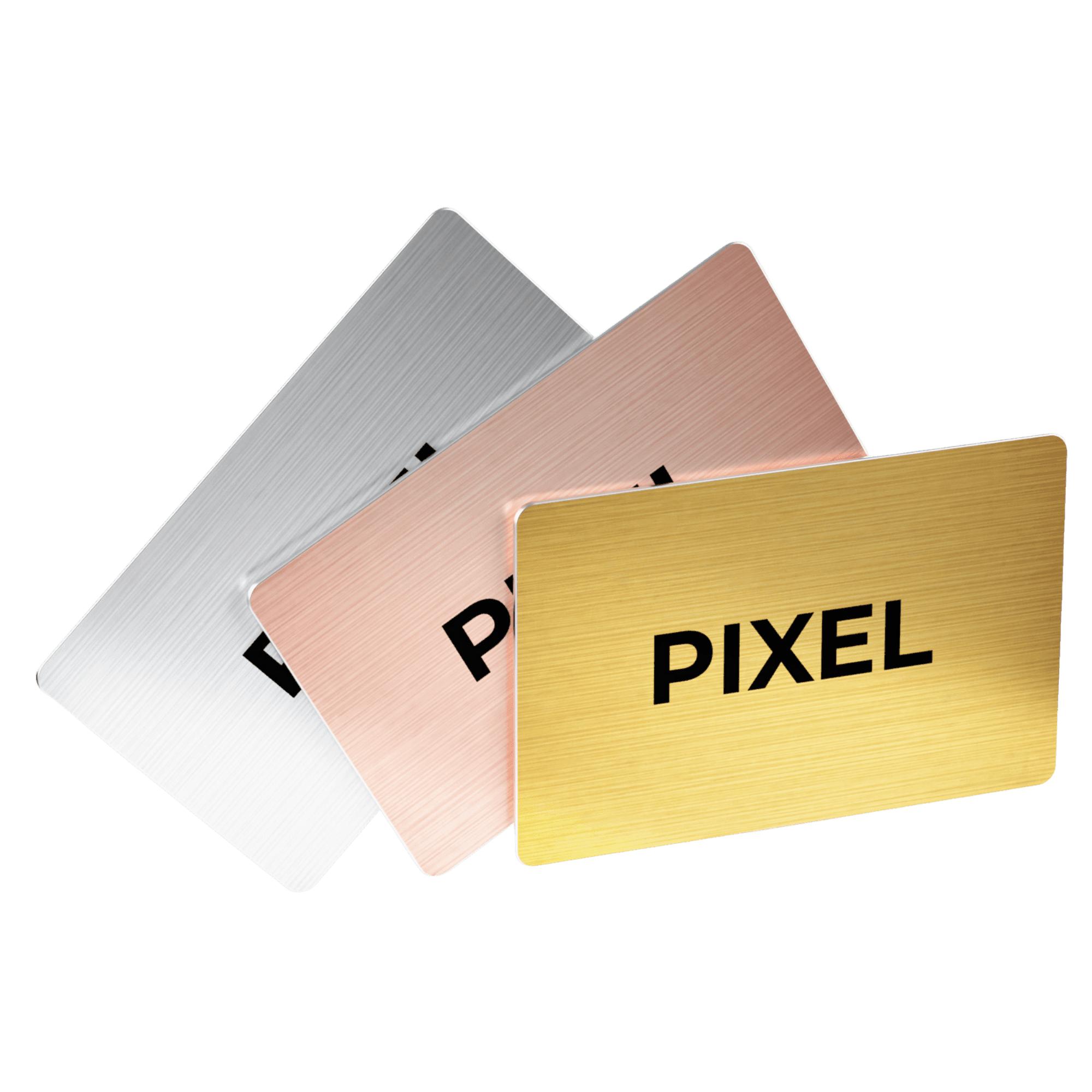
PIXEL cards are the same size as a classic business card (as described on the PIXEL shop) and are printed to the CR80 size, 85.6 × 53.98 mm, with 2 mm of bleed on every side in our print files.
What is the business card size in pixels?
Printers ask for artwork at 300 dpi. To convert, use: pixels = millimetres ÷ 25.4 × 300. Here are the common sizes worked out, without and with a 3 mm bleed on every side:
| Card size | Pixels at 300 dpi (trim) | With 3 mm bleed | File size with bleed (mm) |
|---|---|---|---|
| 85 × 55 mm | 1004 × 650 px | 1075 × 720 px | 91 × 61 mm |
| 88.9 × 50.8 mm (3.5 × 2 in) | 1050 × 600 px | 1121 × 671 px | 94.9 × 56.8 mm |
| 90 × 50 mm | 1063 × 591 px | 1134 × 661 px | 96 × 56 mm |
| 90 × 55 mm | 1063 × 650 px | 1134 × 720 px | 96 × 61 mm |
| 85.6 × 53.98 mm (credit card / NFC) | 1011 × 638 px | 1082 × 708 px | 91.6 × 59.98 mm |
Calculated by PIXEL with the formula above; the 3.5 × 2 in and 90 × 55 mm results match Vistaprint (1050 × 600 px) and Paperlust (1063 × 650 px, 1134 × 720 px with bleed). Bleed varies by printer, so always use your printer’s template.
What are bleed and safe area on a business card?
- Trim size is the finished size of the card after cutting.
- Bleed is extra background printed beyond the trim line, so no white edge appears if the cut moves slightly. The Merch List and Paperlust work with 3 mm per side; Envato Tuts+ says between about 3 and 5 mm depending on the printer.
- Safe area is the zone inside the trim where text and logos are safe from the cut. Paperlust recommends keeping important content at least 3 to 4 mm inside the trim edge.
A simple rule: backgrounds and colour blocks go all the way to the bleed edge; names, phone numbers and logos stay inside the safe area.
How to set up your business card file: 7 steps
- Confirm the trim size with your printer in millimetres (or pick 85.60 × 53.98 mm if you are ordering an NFC card).
- Add the bleed your printer asks for (usually 3 mm per side) to the document size.
- Set the resolution to 300 dpi and use the pixel sizes in the table above if you design in Photoshop or Canva.
- Draw the safe area 3–4 mm inside the trim and keep all text inside it.
- Plan both sides. In Saudi Arabia many professionals print Arabic on one side and English on the other; we recommend designing them as two layouts (right-to-left and left-to-right) rather than mirroring one. Our guide on what to put on a business card in Saudi Arabia covers the content.
- Export as vector (PDF or SVG) when you can. Vector files print sharp at any size; a PNG works if its resolution is high.
- Check the corners. NFC cards have rounded corners (2.88–3.48 mm radius), so nothing important should sit there.
Where PIXEL fits
The size question matters most when you reprint. With a paper card, every new number or job title means a new file, a new order and a new box of cards.
A PIXEL smart business card is designed once, at credit-card size. Your details don’t live on the card itself but on your PIXEL profile: tap the card on the back of an iPhone or Android phone and your contact opens on their screen, ready to save with Instant Save, no app needed on either side. When something changes, you edit your profile and the next tap shares the new version. One card per person is enough, because you never hand it over. If you are new to the category, start with what a smart business card is and how smart business cards save contacts.
- Individuals: choose a ready-made layout, or upload your own artwork as PDF, SVG or PNG for SAR 30 extra. PIXEL Original (durable full-colour plastic) is SAR 125 and PIXEL Metal Edition is SAR 235, one-time.
- Teams: custom design is included on team orders, and every card follows one company design with each person’s name and title. Reps who collect leads can add PIXEL Connect, which captures the other person’s details and syncs them to HubSpot, Salesforce or Dynamics 365. See smart business cards for companies in Saudi Arabia.
FAQ
What is the standard business card size in mm?
There isn’t one worldwide. The most common sizes are 85 × 55 mm (Europe), 88.9 × 50.8 mm (3.5 × 2 in, US and Canada) and 90 × 50 mm or 90 × 55 mm in other regions. Ask your printer which one their templates use.
What size are business cards in Saudi Arabia?
We found no official Saudi size. Saudi printers use international formats, so confirm the exact millimetres with yours. NFC smart business cards in Saudi Arabia, including PIXEL, use the credit-card size of 85.60 × 53.98 mm.
Is a business card the same size as a credit card?
Close, but not quite. A credit card (ISO/IEC 7810 ID-1) is 85.60 × 53.98 mm; a European business card is 85 × 55 mm and a US one 88.9 × 50.8 mm. NFC business cards use the credit-card size.
What is the business card size in pixels for Canva or Photoshop?
At 300 dpi: 1004 × 650 px for 85 × 55 mm, 1050 × 600 px for 3.5 × 2 in, 1063 × 591 px for 90 × 50 mm and 1011 × 638 px for a credit-card-size NFC card. Add your printer’s bleed on top.
How much bleed does a business card need?
Often 3 mm on every side, though some printers ask for up to 5 mm. A 85 × 55 mm card with 3 mm bleed becomes a 91 × 61 mm file.
How thick is an NFC business card?
The ID-1 format sets 0.76 mm ± 0.08 mm, the thickness of a bank card. Metal cards vary by maker.
Can I upload my own design for a PIXEL card?
Yes. Upload your artwork as PDF, SVG or PNG. PDF and SVG print sharpest. Custom design is SAR 30 extra for individuals and included on team orders.
The verdict
Don’t look for a Saudi standard: confirm the trim size with your printer, add 3 mm of bleed, keep text 3–4 mm inside the edge and design at 300 dpi. If you want a card you design once and never reprint, a credit-card-size NFC card at 85.60 × 53.98 mm is the format to plan for.
For you: Order a PIXEL card →
For your team: Get a team quote → or book a demo →. If your team still prints business cards, we can help.
Sources
- Wikipedia, “ID-1 format” (ISO/IEC 7810:2019; 85.60 × 53.98 mm, corner radius 2.88–3.48 mm, thickness 0.76 ± 0.08 mm; “also referred to as CR-80”), https://en.wikipedia.org/wiki/ID-1_format, checked 21 Nov 2026.
- NameBadge, “What size is an ID card? CR80, CR79, CR90 and CR100 dimensions” (updated October 2026; CR80 from ISO/IEC 7810 ID-1, usually 30 mil / 0.76 mm), https://www.namebadge.com/learn/id-cards-printing/what-is-a-cr80-card, checked 21 Nov 2026.
- Nick Saporito, Logos by Nick, “Business card sizes by country” (20 Sep 2019, updated 11 Apr 2020; about 60 countries, no Saudi or Gulf entry; credits printplace.com), https://logosbynick.com/business-card-sizes-by-country-free-templates/, checked 21 Nov 2026.
- Envato Tuts+, “The ultimate design guide to standard business card sizes” (undated; regional sizes; bleed 3–5 mm), https://business.tutsplus.com/articles/the-ultimate-design-guide-to-standard-business-card-sizes--cms-26355, checked 21 Nov 2026.
- The Merch List, “Business card size in UAE” (14 Oct 2025, updated 19 Oct 2026; UAE standard 90 × 50 mm, 3 mm bleed; seller’s own view), https://themerchlist.com/blog/business-card-size-in-uae, checked 21 Nov 2026.
- Jennifer Collins, Vistaprint, “Business card dimensions” (29 Sep 2026; 3.5 × 2 in = 1050 × 600 px at 300 dpi), https://www.vistaprint.com/hub/business-card-dimensions, checked 21 Nov 2026.
- Alex Boston, Paperlust, “Business card size in pixels” (9 Aug 2026, updated 8 Oct 2026; 90 × 55 mm = 1063 × 650 px, 1134 × 720 px with 3 mm bleed; safe area 3–4 mm), https://printshop.paperlust.co/blog/business-card-size-in-pixels, checked 21 Nov 2026.
- PIXEL, shop and FAQ (card “the same size as a classic business card”; Original SAR 125, Metal SAR 235; custom artwork PNG/PDF/SVG, SAR 30 extra; custom design included on team orders), https://www.pixel-nfc.com/en/shop and https://www.pixel-nfc.com/en/faq, checked 21 Nov 2026.
- PIXEL print specification (CR80, 85.6 × 53.98 mm, 2 mm bleed), internal production standard, 13 Nov 2026.
Table of contents
- What is the standard business card size?
- Short answer
- Is there a standard business card size in Saudi Arabia?
- What size is an NFC or smart business card?
- What is the business card size in pixels?
- What are bleed and safe area on a business card?
- How to set up your business card file: 7 steps
- Where PIXEL fits
- FAQ
- What is the standard business card size in mm?
- What size are business cards in Saudi Arabia?
- Is a business card the same size as a credit card?
- What is the business card size in pixels for Canva or Photoshop?
- How much bleed does a business card need?
- How thick is an NFC business card?
- Can I upload my own design for a PIXEL card?
- The verdict
- Sources
One Smart Business Card replaces thousands of paper cards.
Better for your wallet, better for the planet.


One-time purchase · Upgrade to PIXEL Connect anytime


