
NFC vs QR Code Business Cards: 7 Differences (2026)

What is the difference between an NFC and a QR code business card?
Both are “digital business cards”: the card is a doorway to your contact details on the other person’s phone. The difference is the doorway.
- NFC (Near Field Communication) uses a small chip inside the card. When a phone that reads NFC is held against the card, the phone picks up a link. iPhones can read NFC tags without any app, through what Apple calls background tag reading (Apple Developer documentation).
- A QR code is a printed square pattern. DENSO WAVE released the QR Code in 1994, and the “QR” stands for “quick response” (DENSO WAVE). On iPhone, you open the Camera app, hold it over the code and tap the link that appears (Apple Support).
Some cards carry both. That’s a design choice, not a requirement. (New to the category? Start with what a smart business card is and how it works.)
Short answer
An NFC business card shares your details when someone taps it with their phone; a QR code business card shares them when someone points their camera at the code. QR works on almost any camera phone and suits print and screens. NFC is faster face to face, needs no aiming, and can give a one-time link on every tap.
Disclosure: this guide is published by PIXEL, which makes NFC smart business cards in Riyadh. We’ve tried to be fair: QR codes are the better tool in several situations, and we say which ones below. Facts are dated and sourced at the end.
The 7 differences at a glance
| NFC business card | QR code business card | |
|---|---|---|
| 1. How it’s shared | Tap the card on the phone | Open the camera, aim, tap the link |
| 2. Phone support | Phones with NFC (iPhone XS and later read tags in the background) | Almost any phone with a camera |
| 3. Distance | Very close: certified NFC range is 0.5 cm today, rising to 2 cm with NFC Release 15 | Works from across a table, a room or a screen |
| 4. Works from a screen or poster | No (needs the physical chip) | Yes |
| 5. Link security | Can serve a new, expiring link on each tap (depends on the brand) | A printed code always points to the same link |
| 6. Card design | No visible code needed | The code takes space on the front or back |
| 7. Best for | Face-to-face meetings, events, sales teams | Print, slides, booths, email, signage |
Sources for the figures: NFC Forum (17 June 2025), AppleInsider (13 September 2018), Apple Support. See Sources.
Which is faster when you meet someone?
In our experience, NFC wins face to face, because there’s nothing to aim. With a QR code, the other person has to open the camera, frame the code, wait for it to focus and tap a banner. With NFC, they hold the phone near the card and tap the notification.
The short range is a feature here. NFC Forum’s certified range was 0.5 cm until its Release 15 standard, which extends it to up to 2 cm (NFC Forum, 17 June 2025). Nobody reads your card by accident: the person chooses to tap.
Speed matters most in busy settings: a stand at an exhibition in Riyadh, a quick introduction after a panel, or a site visit where you have a minute, not five. For what to do after you’ve collected those contacts, see our guide to following up with leads after a trade show.
Do NFC business cards work on every phone?
Not every phone, and this is QR’s biggest advantage. A QR code needs only a camera. NFC needs a phone with an NFC reader.
- iPhone: reading NFC tags in the background (no app open) arrived with iPhone XS and XR (AppleInsider, 13 September 2018, on Apple’s announcement).
- Android: phones with an NFC reader can read the card; if a tap doesn’t work, we recommend checking that NFC is switched on in settings.
- Older or basic phones: may have no NFC at all. A QR code (or an old-fashioned “let me type it in”) is the fallback.
What happens after the tap also varies by brand. Some cards open a web profile; others save the contact straight to the phone. We explain the difference in do smart business cards save contacts automatically?
Is an NFC or a QR code business card more secure?
Neither is secure or insecure by itself; what matters is the link behind it.
- A printed QR code is permanent. Anyone can photograph it and open your link later, or pass it on. QR codes are also used in scams: the US Federal Trade Commission warns that “scammers hide harmful links in QR codes to steal personal information” and advises people to inspect the URL before opening it (FTC consumer alert, 6 December 2023). That’s about fake codes, not your card, but it explains why some people hesitate before scanning.
- An NFC card can be smarter, but isn’t automatically. Many NFC cards are programmed with one fixed web address, which can be copied and forwarded just like a QR link. We call this the static link flaw in smart business cards. Better systems create a new link on every tap and expire it after use.
If you’re handing cards to a whole sales team, ask any supplier one question: “Can a link from your card be forwarded and reopened?” For how tap data is handled, see what happens to your data when someone taps.
When is a QR code the better choice?
We recommend a QR code when there’s no physical card in someone’s hand:
- Printed and on-screen material: booth banners, brochures, slides, menus, posters.
- Distance: an audience at a talk or a queue at an exhibition stand.
- Email signatures and video calls, where you can show a code on screen.
- Phones without NFC, if you know your audience uses them.
The best setups use both: an NFC card for face-to-face, and a QR for everything printed or on screen.
How to choose: a 5-question checklist
- Where do you meet people? Mostly in person → NFC. Mostly through print, screens or stages → QR.
- What phones do they use? Recent iPhones and NFC-enabled Android phones → NFC works. Mixed or older devices → keep a QR option.
- What happens on the other phone? A web page someone has to save by hand, or a contact saved straight to their phone? Test it on both iPhone and Android.
- Can the link be forwarded? For a sales team, prefer one-time links.
- Do you need the leads back? A card that only gives your details away captures nothing. If your company wants leads, check that the system collects the other person’s details and can send them to your CRM.
Where the PIXEL smart business card fits
We built PIXEL cards as NFC tap only, with no QR code printed on the card, for three reasons: the tap is faster face to face, the card design stays clean, and every tap can be protected.
- Instant Save (free): on tap, your contact downloads straight to the other phone. No app on either side and no subscription.
- Dual-Layer Security on every card: each tap creates a one-time link with a countdown, and the link is replaced after use, so it can’t be forwarded or reopened.
- Details stay editable, so there’s never a reprint when your title or number changes.
- For the QR moments: PIXEL Connect (optional, from SAR 25 for 3 months) adds an in-app QR that refreshes on a timer, for when you forget the card or meet someone whose phone has no NFC. Connect also adds the Digital Profile with two-way exchange, so the other person can send their details back. That’s how you get leads, and on company plans they can sync to HubSpot, Salesforce or Dynamics 365. Only the people who collect leads need it.
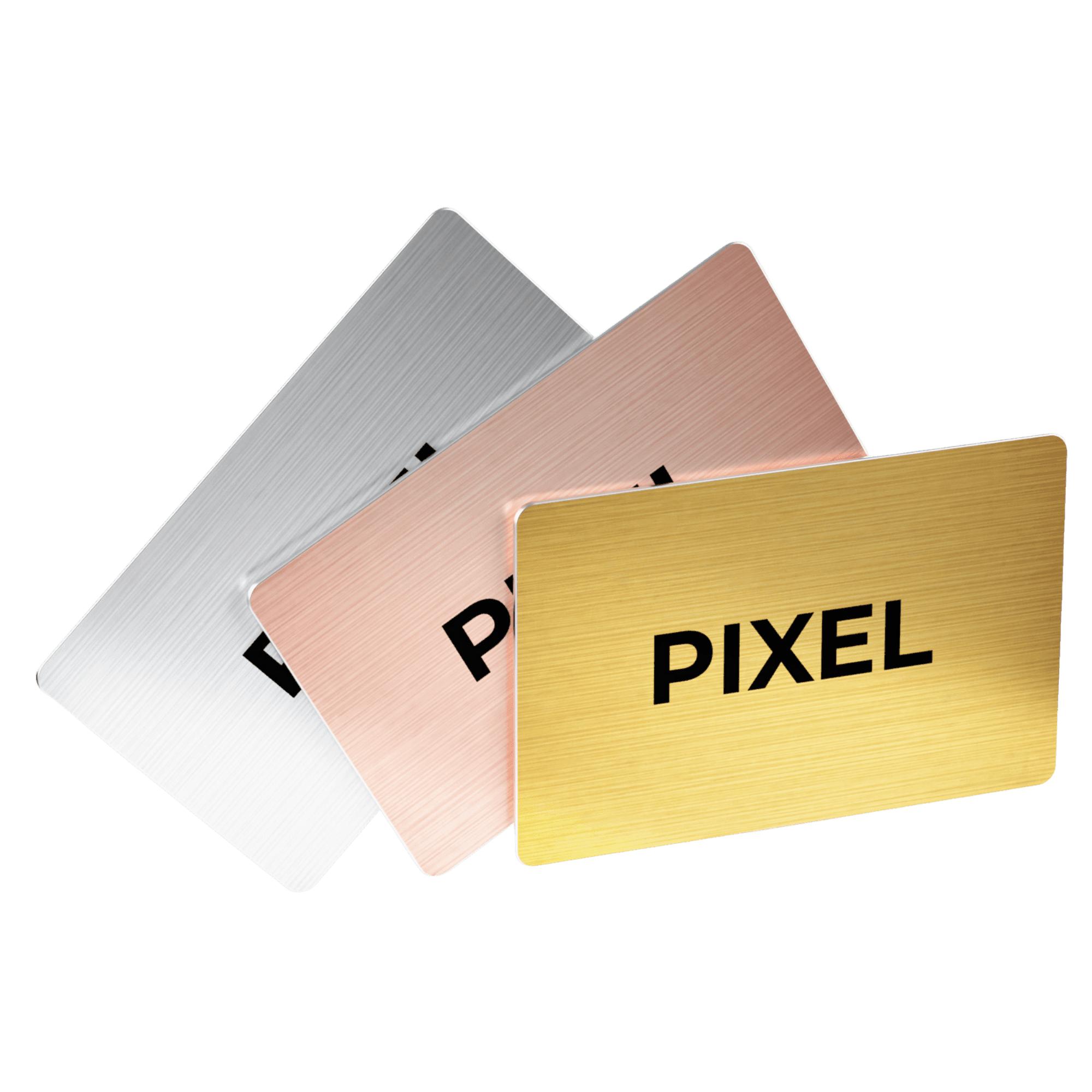
Cards are made and encoded in Riyadh: PIXEL Original (PVC) at SAR 125 and Metal Edition at SAR 235, one-time purchase, prices excluding VAT. We’re honest about the limit: a PIXEL card won’t help on a poster or a slide. Use a normal QR code there.
FAQ
Is NFC or QR better for a business card?
For meeting people in person, NFC is usually faster because there’s nothing to aim. For print, screens and audiences at a distance, QR is better. Many professionals use an NFC card and keep a QR for slides and signage.
Can an iPhone read an NFC business card?
Yes. iPhone XS and later can read NFC tags in the background without an app (AppleInsider, 2018). The person holds the top of the phone near the card and taps the notification.
Do I need an app to scan a QR code business card?
No. On iPhone, the built-in Camera app reads QR codes; you hold the phone over the code and tap the link (Apple Support). On Android, use the camera app or the scanner your phone maker provides.
Are QR code business cards safe?
The code itself isn’t dangerous, but a printed QR always points to the same link, which can be photographed and shared. The FTC warns that scammers use fake QR codes, so some people are wary of scanning unknown codes (FTC, December 2023).
Does a PIXEL card have a QR code?
No. PIXEL cards are NFC tap only, with no printed QR code. PIXEL Connect users can show an in-app QR code that refreshes on a timer if they forget their card.
What is the range of an NFC business card?
Very short. NFC Forum’s certified range was 0.5 cm before NFC Release 15, which extends it to up to 2 cm (NFC Forum, June 2025). In practice, the phone has to touch or nearly touch the card.
Can I put both NFC and a QR code on one card?
Yes, some brands do. It covers phones without NFC, but the printed code is permanent and takes space on the design. PIXEL keeps the QR in the app instead, where it can refresh.
Which is cheaper, NFC or QR?
In our experience, a printed QR adds little to the cost of a paper card, while an NFC card has a chip and costs more up front. On the other hand, an NFC card that points to editable details doesn’t need reprinting when they change. Compare brands and prices in the best smart business cards in 2026.
The verdict
QR codes are the right tool for anything printed or on a screen. For the moment two people actually meet, an NFC smart business card is quicker, needs no aiming and, done properly, can’t be forwarded. If you want both, choose an NFC card whose QR lives in the app, where it can refresh, rather than printed on the card forever.
For individuals: Order a PIXEL card →
For companies: Get a team quote → (cards for the whole team, Connect only for the people who collect leads). If your team still prints business cards, we can help.
Related reading: the ultimate guide to digital business cards in Saudi Arabia.
Sources
Checked on 5 November 2026; pages may have changed since.
- DENSO WAVE, “History of QR Code”, qrcode.com: “In 1994, DENSO WAVE… announced the release of its QR Code”; “QR… stands for quick response”. https://www.qrcode.com/en/history/
- Apple Support, “Scan a QR code with your iPhone or iPad”, published 14 September 2026. https://support.apple.com/en-us/102680
- Apple Developer Documentation, “Adding Support for Background Tag Reading” (scan NFC tags without an app). https://developer.apple.com/documentation/corenfc/adding-support-for-background-tag-reading
- AppleInsider, “iPhone XS & iPhone XR have improvement to near-field communication, allowing for easier interactions”, 13 September 2018 (second-hand report of Apple’s announcement). https://appleinsider.com/articles/18/09/13/iphone-xs-iphone-xr-have-improvement-to-near-field-communication-allowing-for-easier-interactions
- NFC Forum, “NFC Forum Announces NFC Release 15”, 17 June 2025: range “up to 2cm – 4x greater than the current range of 0.5cm”. https://nfc-forum.org/news/2025-06-nfc-forum-announces-nfc-release-15/
- US Federal Trade Commission, Alvaro Puig, “Scammers hide harmful links in QR codes to steal your information”, consumer alert, 6 December 2023. https://consumer.ftc.gov/consumer-alerts/2023/12/scammers-hide-harmful-links-qr-codes-steal-your-information
- PIXEL product facts and prices (excl. 15% VAT): pixel-nfc.com/en/shop, checked 5 November 2026. https://www.pixel-nfc.com/en/shop
Table of contents
- What is the difference between an NFC and a QR code business card?
- Short answer
- The 7 differences at a glance
- Which is faster when you meet someone?
- Do NFC business cards work on every phone?
- Is an NFC or a QR code business card more secure?
- When is a QR code the better choice?
- How to choose: a 5-question checklist
- Where the PIXEL smart business card fits
- FAQ
- Is NFC or QR better for a business card?
- Can an iPhone read an NFC business card?
- Do I need an app to scan a QR code business card?
- Are QR code business cards safe?
- Does a PIXEL card have a QR code?
- What is the range of an NFC business card?
- Can I put both NFC and a QR code on one card?
- Which is cheaper, NFC or QR?
- The verdict
- Sources
One Smart Business Card replaces thousands of paper cards.
Better for your wallet, better for the planet.


One-time purchase · Upgrade to PIXEL Connect anytime


