
NameDrop vs Smart Business Card in Saudi Arabia (2026)

What is NameDrop and how does it work?
NameDrop is Apple’s built-in way to swap contact details by bringing two Apple devices close together, and the feature people most often weigh against a smart business card. You hold your iPhone a few centimetres above the other person’s iPhone or Apple Watch and keep them close until NameDrop appears on both screens. Then each person chooses to share their contact card (or one specific phone number or email address) and receive the other person’s, or to receive only (Apple Personal Safety User Guide, Oct 2024).
A few details matter before you rely on it at work:
- Both devices need recent software. Apple says NameDrop “requires iOS 17.1, watchOS 10.1, or later on both devices”, and lists supported Apple Watch models (Apple Watch SE 2nd generation, Series 7 and later, Ultra).
- You choose what goes out. NameDrop shares your name, the phone number or email address you pick, and your Contact Poster information; Apple says it doesn’t share your home address or birthday.
- It is free and already on the phone. There is nothing to buy, carry or set up beyond the “Bringing Devices Together” setting under Settings › General › AirDrop, which is also where you turn it off.
So NameDrop is a good tool. The question for a professional in Saudi Arabia is simply whether it covers the people you actually meet.
Short answer
NameDrop is Apple’s free, built-in way to swap contacts by holding two iPhones together, but it needs iOS 17.1 or later on both devices and doesn’t work with Android phones. A smart business card such as PIXEL works by tap on iPhone and Android with no app, which matters in Saudi Arabia, where Android leads mobile web traffic.
Disclosure: this guide is published by PIXEL, which makes smart business cards. NameDrop and Google’s Tap to Share are free features, and for some people they are all they need; we say where below. Facts are dated and sourced at the end.
Does NameDrop work with Android?
No. Apple’s guide describes NameDrop only for iPhone and Apple Watch users, and the requirement is iOS 17.1 or watchOS 10.1 “on both devices”, which an Android phone can’t meet.
Android now has its own version. On 12 August 2026, Google added a Tap to Share mode to Quick Share: bring two compatible Android phones together for an “instant, two-way exchange” of contact details, photos or videos (TechCrunch, 12 Aug 2026). According to Android Authority, it is rolling out to Pixel 6 and newer phones running Android 17 or later, with Samsung’s Galaxy Z Fold8, Fold8 Ultra and Flip8 expected later in the year, and both phones need NFC switched on (Android Authority, 21 Aug 2026).
But the two features don’t talk to each other. Android Authority is explicit: Tap to Share “does not work between a Pixel and an iPhone.” That leaves a gap exactly where many meetings happen: one person on an iPhone, the other on an Android phone.
NameDrop vs smart business card: how do they compare?
| NameDrop (Apple) | Tap to Share (Google) | Smart business card (e.g. PIXEL) | |
|---|---|---|---|
| Works between | iPhone ↔ iPhone or Apple Watch | Compatible Android ↔ Android | The card ↔ any recent iPhone or Android phone |
| What the other person needs | iOS 17.1 / watchOS 10.1 or later | Pixel 6+ on Android 17+ (Samsung foldables later) | An NFC phone and an internet connection; no app |
| iPhone to Android | No | No (“does not work between a Pixel and an iPhone”) | Yes, same tap on both |
| Two-way exchange | Yes, both can share (or receive only) | Yes (“two-way exchange”) | One-way with Instant Save; two-way with a Digital Profile (PIXEL Connect) |
| Cost | Free, built in | Free, built in | One-time card price; optional subscription for lead capture |
| Something to carry | No, just your phone | No, just your phone | Yes, the card |
| Record for your company | Saved on each person’s phone | Saved on each person’s phone | With PIXEL Connect: leads in a dashboard and your CRM |
Phone requirements from Apple and Android Authority; PIXEL details from pixel-nfc.com. All checked 17 November 2026.
The honest summary: if both of you have recent iPhones, NameDrop is fast, free and good. A smart business card earns its place when you don’t know what phone the other person has, when you want the same first impression with everyone, or when your company needs to see the contacts its team makes.
Why does this matter in Saudi Arabia?
Because both platforms are everywhere. StatCounter’s figures for October 2026 put Android at 57.96% and iOS at 42.03% of mobile operating system share in Saudi Arabia (StatCounter, Oct 2026). These figures measure web traffic, not the number of phones people own, but they make the point: at a Riyadh exhibition stand, a client meeting in Jeddah or a networking evening in Al Khobar, you will regularly exchange details with someone on the other platform.
In practice, that means a phone-to-phone feature works some of the time and falls back to typing a number, spelling a name or scanning a code the rest of the time. Our guide on how to network in Saudi Arabia covers the rest of that first meeting, and business card etiquette in Saudi Arabia covers how to offer your details politely.
When is NameDrop enough, and when is a smart card better?
NameDrop (or Tap to Share) is probably enough if:
- almost everyone you exchange details with uses the same platform as you,
- you only need the contact on your own phone, with no company record,
- you’d rather not carry anything extra.
A smart business card is the better choice if:
- you meet a mix of iPhone and Android users, as most professionals in Saudi Arabia do,
- you want one tap to work the same way with everyone, without asking “which phone do you have?”,
- your details change (new title, new number) and you want every future tap to show the update without reprinting,
- you work in a team and the company wants the contacts its people make in one place, for example in HubSpot, Salesforce or Dynamics 365.
We recommend using both: NameDrop when you’re with another iPhone user, and the card for everyone else. They don’t compete for the same moment.
How to use NameDrop safely at work
- Check it’s on: Settings › General › AirDrop › Bringing Devices Together.
- Hold your iPhone a few centimetres above the other person’s iPhone or Apple Watch and keep them close until NameDrop appears on both screens.
- Choose what to send: share your contact card, or tap the arrow to pick specific fields; choose “Receive Only” if you just want theirs.
- Keep a work contact card ready. NameDrop sends your own contact card, so check that your name, title and work number are what you want a client to see.
- Turn it off when you don’t want it: switch off Bringing Devices Together in the same menu.
These steps follow Apple’s Personal Safety User Guide (Oct 2024). If a smart card isn’t reading on someone’s phone, our guide on NFC business cards not working on iPhone or Android walks through the fixes.
Where PIXEL fits
PIXEL fills the gap NameDrop and Tap to Share leave: one tap that works on both platforms.
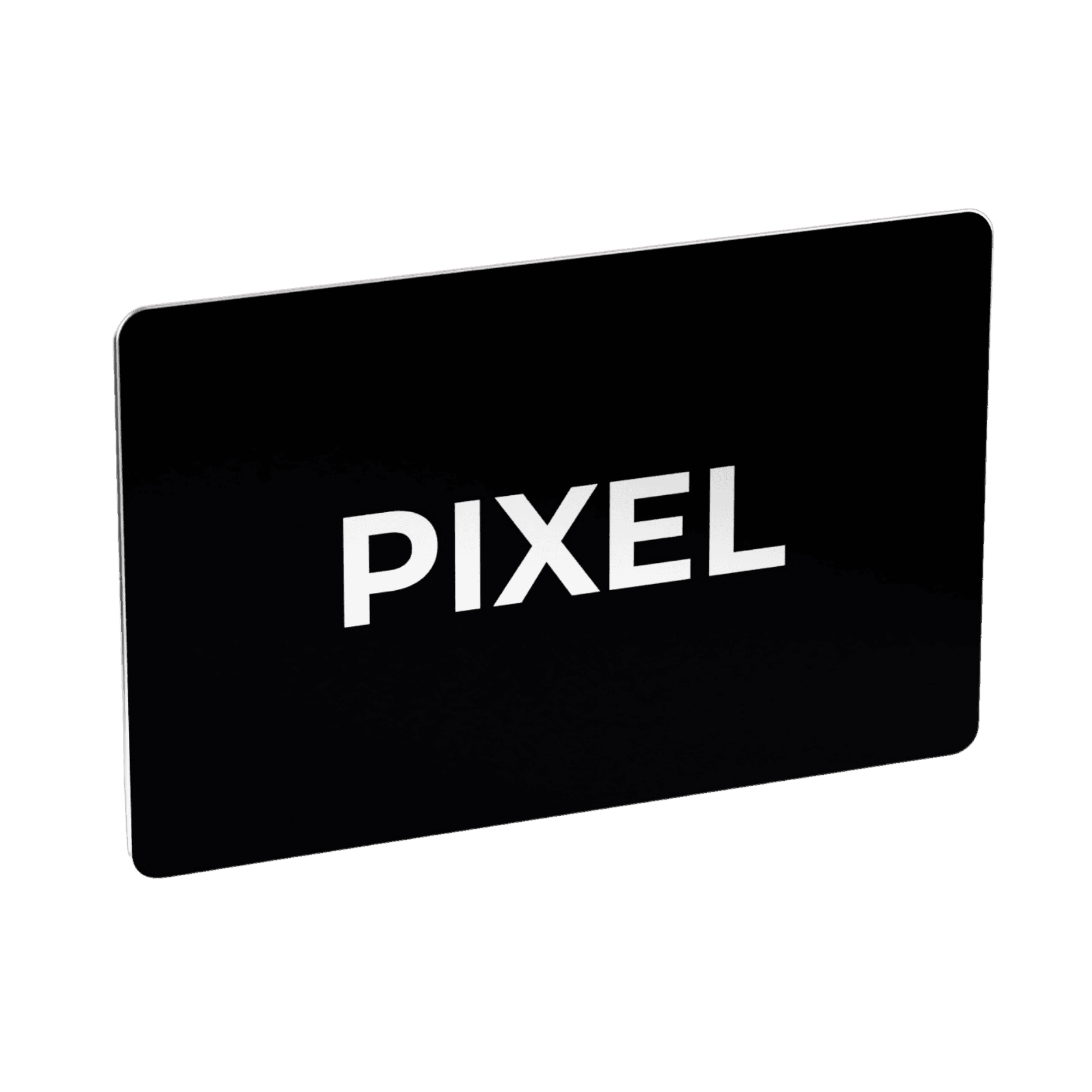
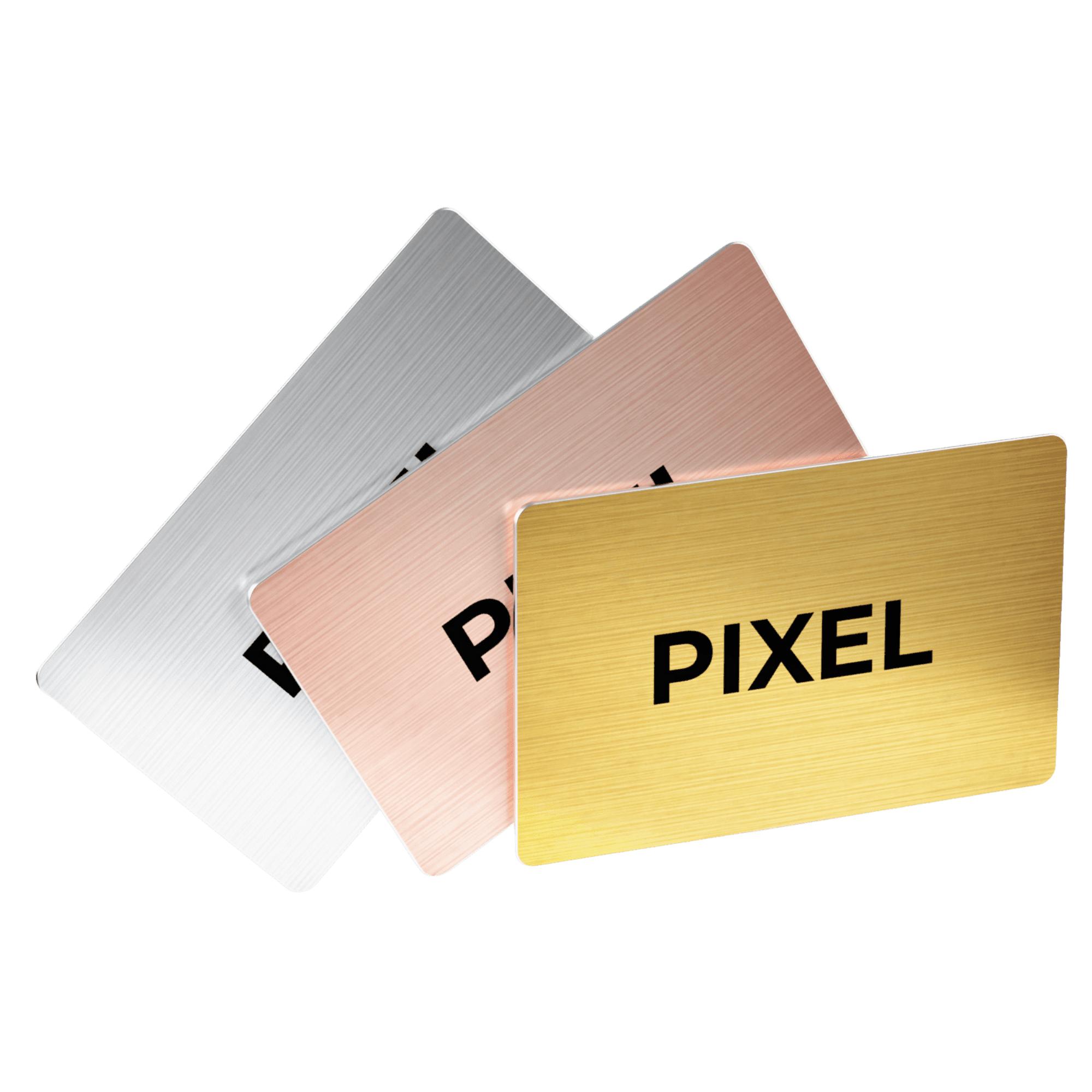
- PIXEL smart business card with Instant Save: tap your card on the back of the other person’s iPhone or Android phone and your contact details open on their screen, ready to save. No app is needed on either side and Instant Save is free for life after the one-time card purchase. PIXEL’s FAQ lists iPhone 7 and later and virtually all Android devices; the recipient’s phone needs internet to load the contact (pixel-nfc.com FAQ). See how a smart business card works and NFC vs QR code business cards.
- Always up to date: your details live on your PIXEL profile, not on the card, so you can edit them any time and the next tap shows the new version.
- PIXEL Connect, for the people who collect leads (optional subscription): your card opens a branded Digital Profile, the other person can share their details back, and they’re saved as a lead. Connect also scans paper business cards with AI and gives you an in-app QR for the day you forget your card. The card itself works by tap.
- For teams: leads collected with Connect go to HubSpot, Salesforce or Dynamics 365, and managers see views, leads and conversion for the whole team in one dashboard. Team members who only share their details stay on Instant Save and don’t need Connect.
PIXEL Original costs SAR 125 per card and PIXEL Metal Edition SAR 235 per card, as a one-time purchase (pixel-nfc.com shop, checked 17 November 2026). Connect starts at SAR 25 per user for 3 months. For companies, read more about PIXEL smart business cards for companies in Saudi Arabia.
FAQ
Does NameDrop work between iPhone and Android?
No. NameDrop needs iOS 17.1 or watchOS 10.1 or later on both devices, so it only works between Apple devices. Google’s Tap to Share doesn’t work with iPhones either.
What is Android’s version of NameDrop?
Google’s Tap to Share, added to Quick Share on 12 August 2026. It works between compatible Android phones (Pixel 6 and newer on Android 17 or later, with some Samsung foldables to follow).
Is NameDrop free?
Yes. It is built into iPhone and Apple Watch software, with nothing to buy.
What does NameDrop share?
Your name, the phone number or email address you choose, and your Contact Poster information. Apple says it doesn’t share your home address or birthday, and you can choose to receive only.
Do I still need a smart business card if I have an iPhone?
Not if everyone you meet has a recent iPhone. If you also meet Android users, or your company wants your contacts in its CRM, a smart business card covers what NameDrop can’t.
Does a PIXEL smart business card work with NameDrop?
They are separate. NameDrop is phone to phone; a PIXEL card is read by the other person’s phone through NFC and works on both iPhone and Android, with no app.
Does the other person need an app to receive a smart business card?
No. With PIXEL, their phone opens your contact details in the browser and they tap to save. Their phone needs an internet connection to load the contact.
Can NameDrop send contacts to a CRM?
Apple’s guide describes sharing between devices only; nothing in it sends a contact to a company CRM. With PIXEL Connect, leads go to HubSpot, Salesforce or Dynamics 365.
The verdict
NameDrop is one of the nicest things Apple has added for meeting people, and Tap to Share brings the same idea to newer Android phones. Their limit is that each one stays on its own side. In Saudi Arabia, where you’ll meet iPhone and Android users every week, a smart business card is the one tap that works with everyone, and with PIXEL Connect it also gives your company a record of who its team met. Use NameDrop when it fits, and keep a card for the rest.
Just for you? Order your PIXEL card → pixel-nfc.com/en/shop For your team? Get a team quote → pixel-nfc.com/en/shop?tab=teams or book a demo → pixel-nfc.com/en/contact
If your team still prints business cards, we can help.
Sources
All checked on 17 November 2026; they may have changed since.
- Apple, “Secure NameDrop”, Personal Safety User Guide, October 2024. https://support.apple.com/en-ca/guide/personal-safety/secure-namedrop-ips97e16d3b1/web
- Sarah Perez, “Google’s Quick Share adds a tap-to-share mode”, TechCrunch, 12 August 2026. https://techcrunch.com/2026/08/12/googles-quick-share-adds-a-tap-to-share-mode/
- Adamya Sharma, “Google’s new Tap to Share feature on the Pixel 11 is incredible. Here’s how to use it”, Android Authority, 21 August 2026. https://www.androidauthority.com/pixel-11-tap-to-share-how-use-3700155/
- StatCounter Global Stats, “Mobile Operating System Market Share Saudi Arabia”, October 2026 (based on web page views, not device counts). https://gs.statcounter.com/os-market-share/mobile/saudi-arabia
- PIXEL product details and prices: pixel-nfc.com (shop, features and FAQ pages), checked 17 November 2026. https://www.pixel-nfc.com/en/faq
Table of contents
- What is NameDrop and how does it work?
- Short answer
- Does NameDrop work with Android?
- NameDrop vs smart business card: how do they compare?
- Why does this matter in Saudi Arabia?
- When is NameDrop enough, and when is a smart card better?
- How to use NameDrop safely at work
- Where PIXEL fits
- FAQ
- Does NameDrop work between iPhone and Android?
- What is Android’s version of NameDrop?
- Is NameDrop free?
- What does NameDrop share?
- Do I still need a smart business card if I have an iPhone?
- Does a PIXEL smart business card work with NameDrop?
- Does the other person need an app to receive a smart business card?
- Can NameDrop send contacts to a CRM?
- The verdict
- Sources
One Smart Business Card replaces thousands of paper cards.
Better for your wallet, better for the planet.


One-time purchase · Upgrade to PIXEL Connect anytime


